Infographic Examples
PIDL can generate compact, visually appealing infographics optimized for social media (LinkedIn) and datasheets.
Generated Examples
OAuth 2.0 PKCE (LinkedIn Square)
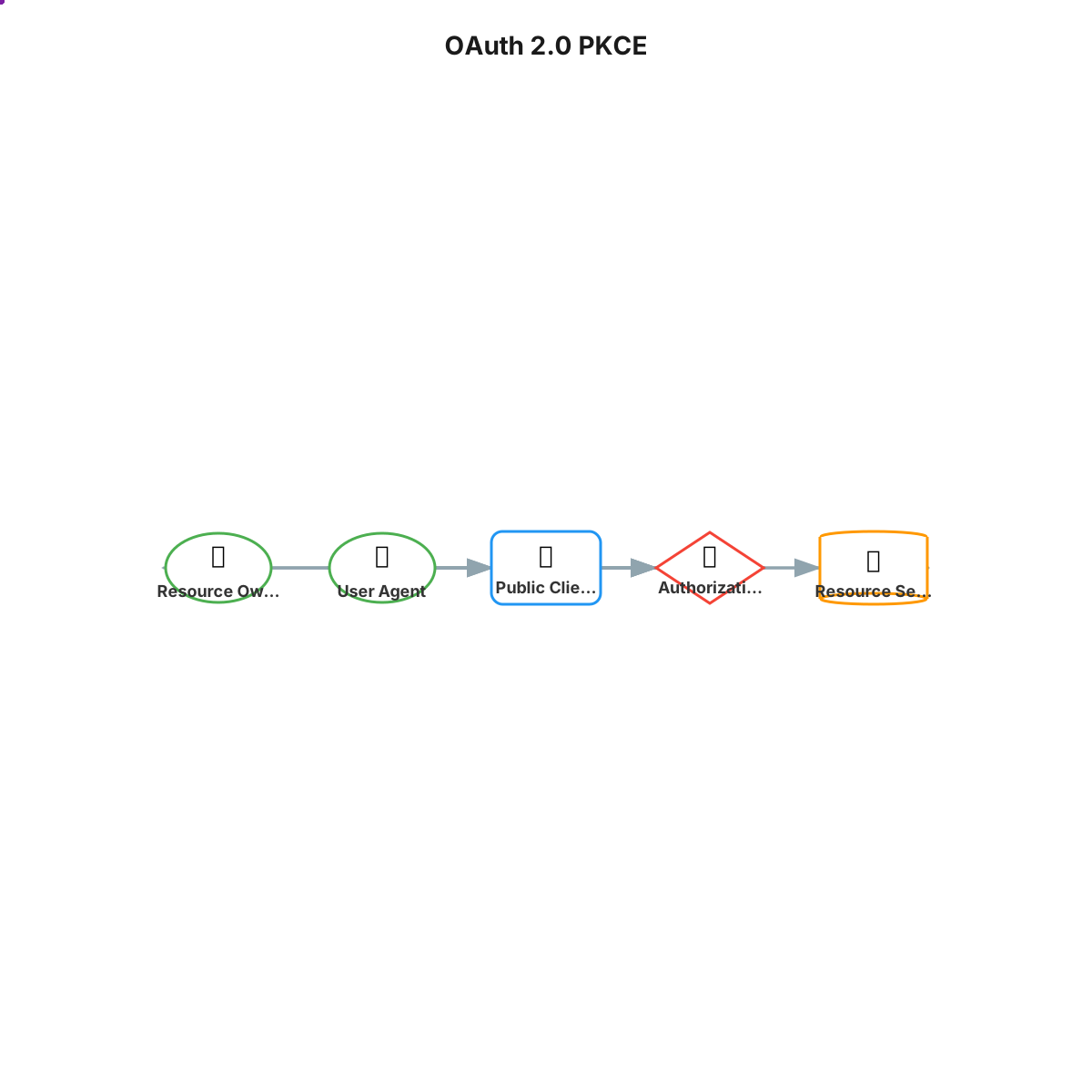
Features:
- Entity type shapes: circle for user, diamond for auth server, cylinder for resource server
- Entity type colors matching the entity roles
- Animated dots showing the flow of data
ETL Pipeline (Datasheet Tile)
pidl generate -f infographic --ig-size=datasheet-tile --ig-theme=minimal --ig-title="ETL" etl_pipeline.json
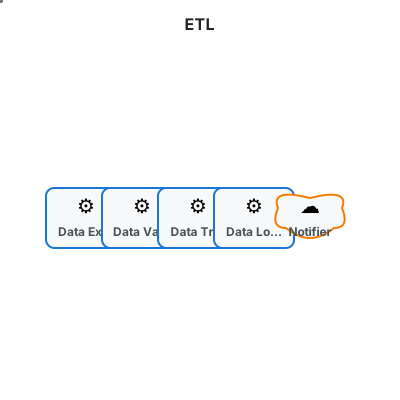
Features:
- Compact 400x400 size for datasheet grids
- Minimal theme with subtle colors
- Step type icons (gear for deterministic, cloud for external)
CI/CD Pipeline (Tech Theme)
pidl generate -f infographic --ig-size=linkedin-square --ig-theme=tech --ig-title="CI/CD Pipeline" ci_cd_pipeline.json
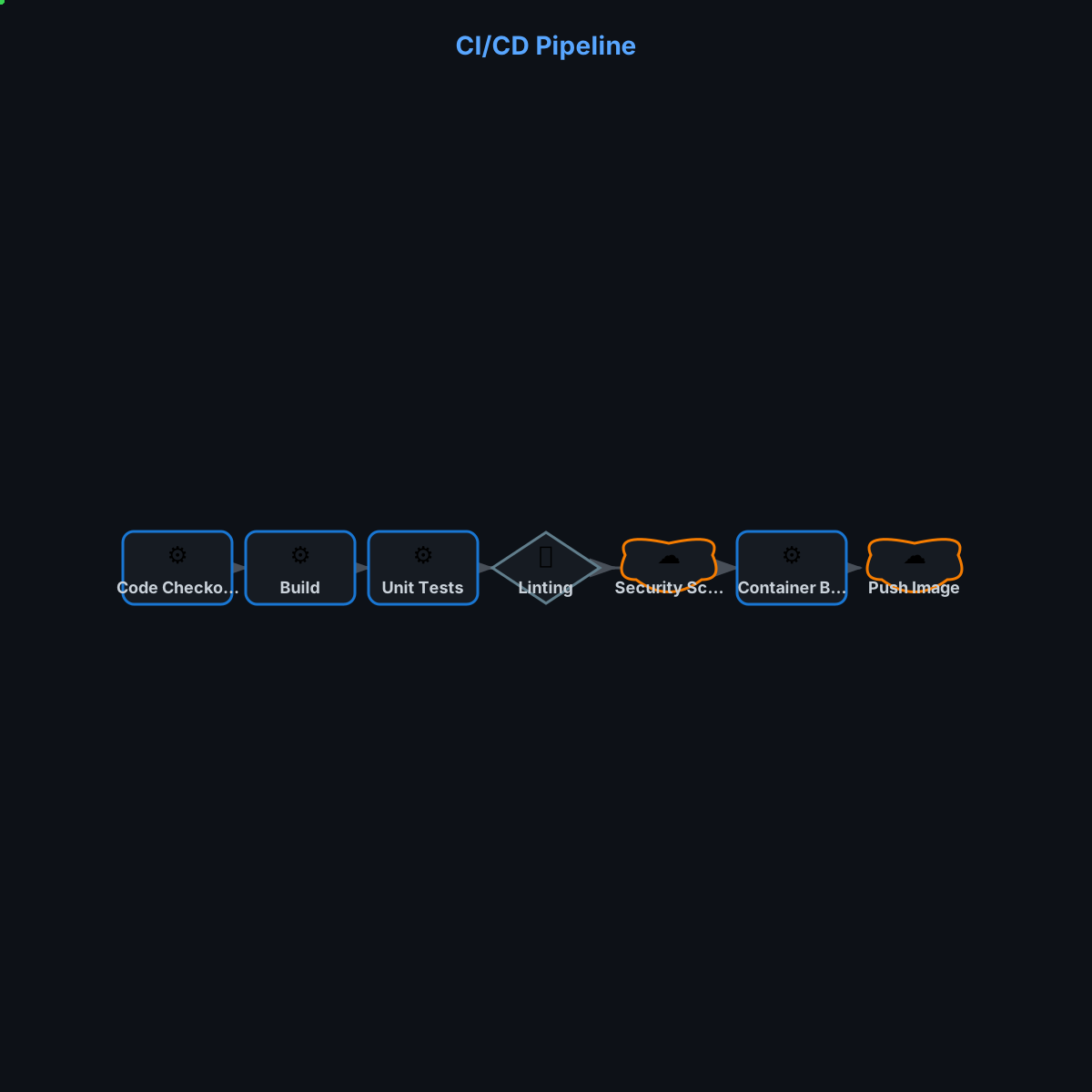
Features:
- Tech theme with dark background and green accent dots
- Step type shapes: rectangles for deterministic, diamonds for tools, clouds for external
- Process flow visualization
Document Review (Dark Theme)
pidl generate -f infographic --ig-size=linkedin-square --ig-theme=dark --ig-title="Document Review" llm_document_review.json
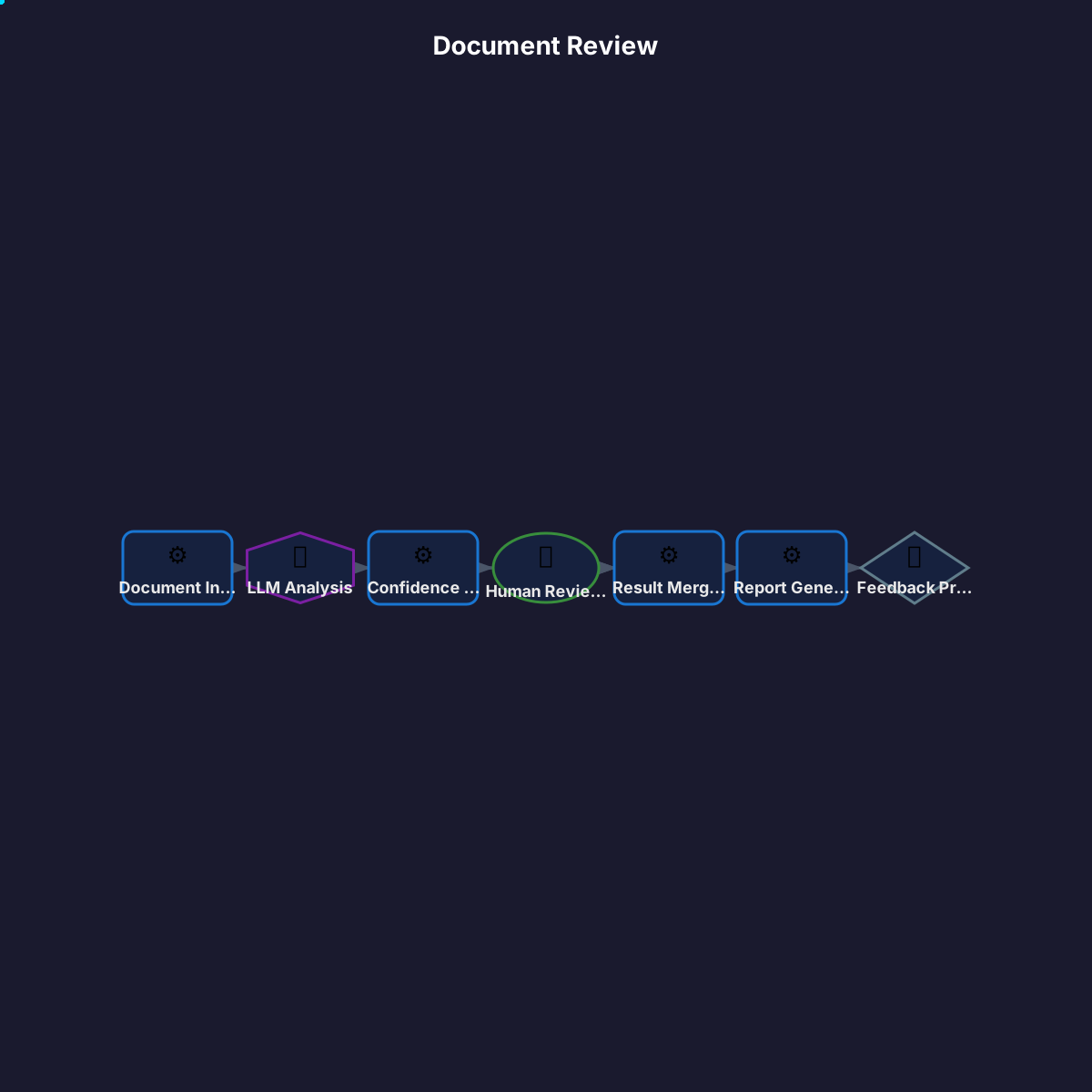
Features:
- Dark theme optimized for dark mode displays
- Hexagon shape for LLM steps, circle for human review
- Cyan animated dots for visibility on dark background
ETL Pipeline (No Custom Shapes)
pidl generate -f infographic --ig-size=datasheet-tile --ig-theme=minimal --ig-title="ETL" --ig-no-shapes etl_pipeline.json
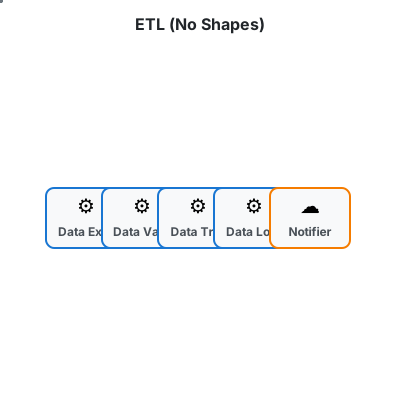
Features:
- All nodes rendered as rectangles with
--ig-no-shapesflag - Step type colors still applied
- Icons still differentiate step types
CLI Options
| Option | Description | Default |
|---|---|---|
--ig-size |
Size preset | linkedin-square |
--ig-theme |
Color theme | bold |
--ig-title |
Title text | Protocol name |
--ig-no-animate |
Disable animated dots | false |
--ig-no-shapes |
Use rectangles for all nodes | false |
Size Presets
| Size | Dimensions | Use Case |
|---|---|---|
linkedin-square |
1200x1200 | LinkedIn feed posts |
linkedin-portrait |
1080x1350 | LinkedIn portrait posts |
linkedin-landscape |
1200x627 | LinkedIn link previews |
datasheet-tile |
400x400 | Datasheet grid layouts |
datasheet-wide |
600x300 | Wide datasheet tiles |
Themes
| Theme | Description |
|---|---|
bold |
High contrast, saturated (default) |
minimal |
Clean, subtle |
dark |
Dark background |
tech |
Tech/engineering feel |
Node Shapes
When --ig-no-shapes is not set, nodes are rendered with shapes based on their type:
Step Types (Process Specs)
| Step Type | Shape | Icon |
|---|---|---|
deterministic |
Rectangle | :gear: |
llm |
Hexagon | :brain: |
human |
Circle | :bust_in_silhouette: |
external |
Cloud | :cloud: |
tool |
Diamond | :wrench: |
Entity Types (Regular Protocols)
| Entity Type | Shape | Icon |
|---|---|---|
user, browser |
Circle | :bust_in_silhouette: / :globe_with_meridians: |
agent, delegated_agent |
Hexagon | :robot: / :handshake: |
resource_server |
Cylinder | :file_cabinet: |
authorization_server, identity_provider |
Diamond | :closed_lock_with_key: / :identification_card: |
client, server |
Rectangle | :computer: / :desktop_computer: |
Tips
- LinkedIn posts: Use
linkedin-square(1200x1200) for maximum visibility in feeds - Link previews: Use
linkedin-landscape(1200x627) for shared links - Datasheets: Use
datasheet-tile(400x400) for grid layouts - Dark mode: Use
techordarkthemes for dark UI contexts - Presentations: Use
--ig-no-animatefor static images in slides - Accessibility: Use
boldtheme for maximum contrast